

Upgrade to Joomla 4
พูดถึง Template Purity III
ก่อนอื่นเอา Extionsion : JA Builder, Kunena ออก
ปรับ Joomla update ให้เป็น next
ปรับตาราง #__content_frontpage เพิ่ม field 'featured_up', 'featured_down' เป็น datetime, DEFAULT NULL
พูดถึง Template Purity III
ก่อนอื่นเอา Extionsion : JA Builder, Kunena ออก
ปรับ Joomla update ให้เป็น next
ปรับตาราง #__content_frontpage เพิ่ม field 'featured_up', 'featured_down' เป็น datetime, DEFAULT NULL
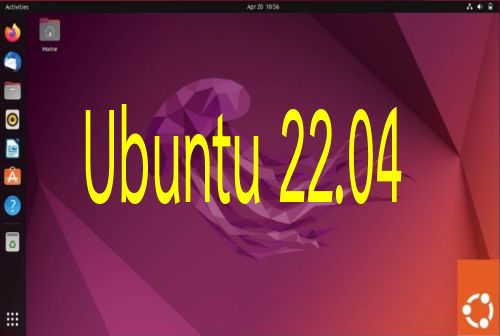
ติดตั้ง Ubuntu 22.04 LTS ตัวใหม่ มีการเปลี่ยนแปลงพอสมควร
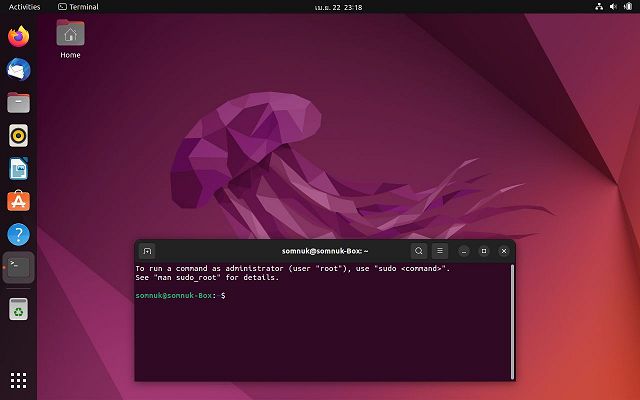
พูดถึงตัวติดตั้งแบบ server ก่อน
เริ่มต้นติดตั้งแบบน้อยที่สุด แล้วจากนั้นค่อยเลือก package จาก tasksel ปรากฎว่าในส่วนของ tasksel มีตัวเลือก package น้อยลง ไม่มีรายการ LAMP ให้ติดตั้ง

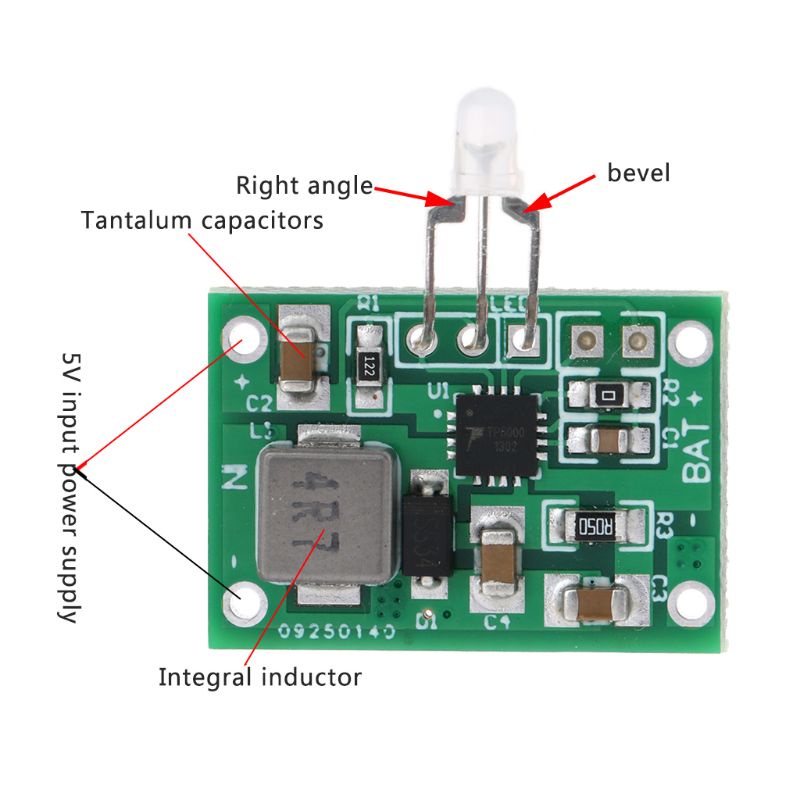
Features:TP5000 lithium ion battery lithium iron phosphate battery 2A current 4.2/3.6V can be switched 2A version is the ultimate performance version of TP5000,due to the larger current, the heat will be relatively large, but the fastest charging speed
ไปที่ System Dashboard /Site templates / เลือก template ที่จะแก้ไข แล้วแก้ไขไฟล์ templateDetails.xml หาข้อความที่ปรับแต่ง Font schemes
<field
name="useFontScheme"
type="groupedlist"
label="TPL_CASSIOPEIA_FONT_LABEL"
default="0"
>
<option value="0">JNONE</option>
<group label="TPL_CASSIOPEIA_FONT_GROUP_LOCAL">
<option value="templates/cassiopeia/css/global/fonts-local_roboto.css">Roboto (local)</option>
</group>
<group label="TPL_CASSIOPEIA_FONT_GROUP_WEB">
<option value="https://fonts.googleapis.com/css2?family=Prompt:wght@300;400&display=swap">Prompt</option>
<option value="https://fonts.googleapis.com/css2?family=Sriracha&display=swap">Sriracha (web)</option>
<option value="https://fonts.googleapis.com/css2?family=Fira+Sans:wght@100;300;400;700&display=swap">Fira Sans (web)</option>
<option value="https://fonts.googleapis.com/css2?family=Noto+Sans:wght@100;300;400;700&family=Roboto:wght@100;300;400;700&display=swap">Roboto + Noto Sans (web)</option>
</group>
</field>
ใส่ที่ option value เป็น Google fonts ตามที่เราต้องการ
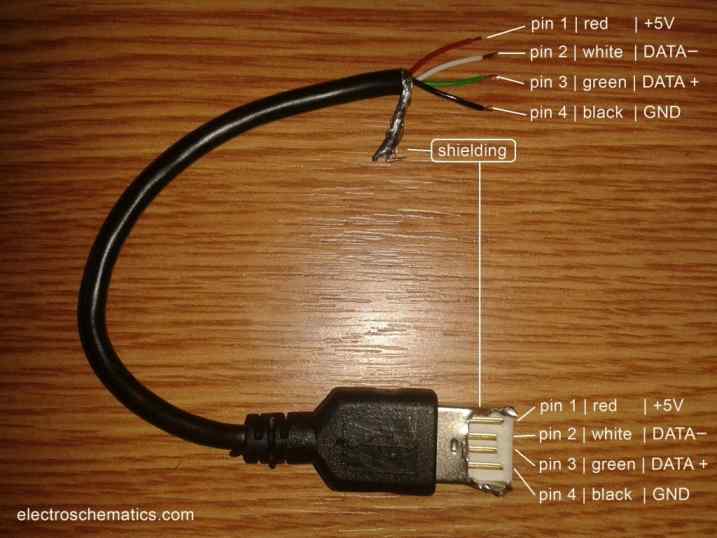
การเชื่อมสาย USB พอไม่ได้ใช้นานๆ ก็ลืม เอามาเก็บไว้ที่นี่เป็น Reference
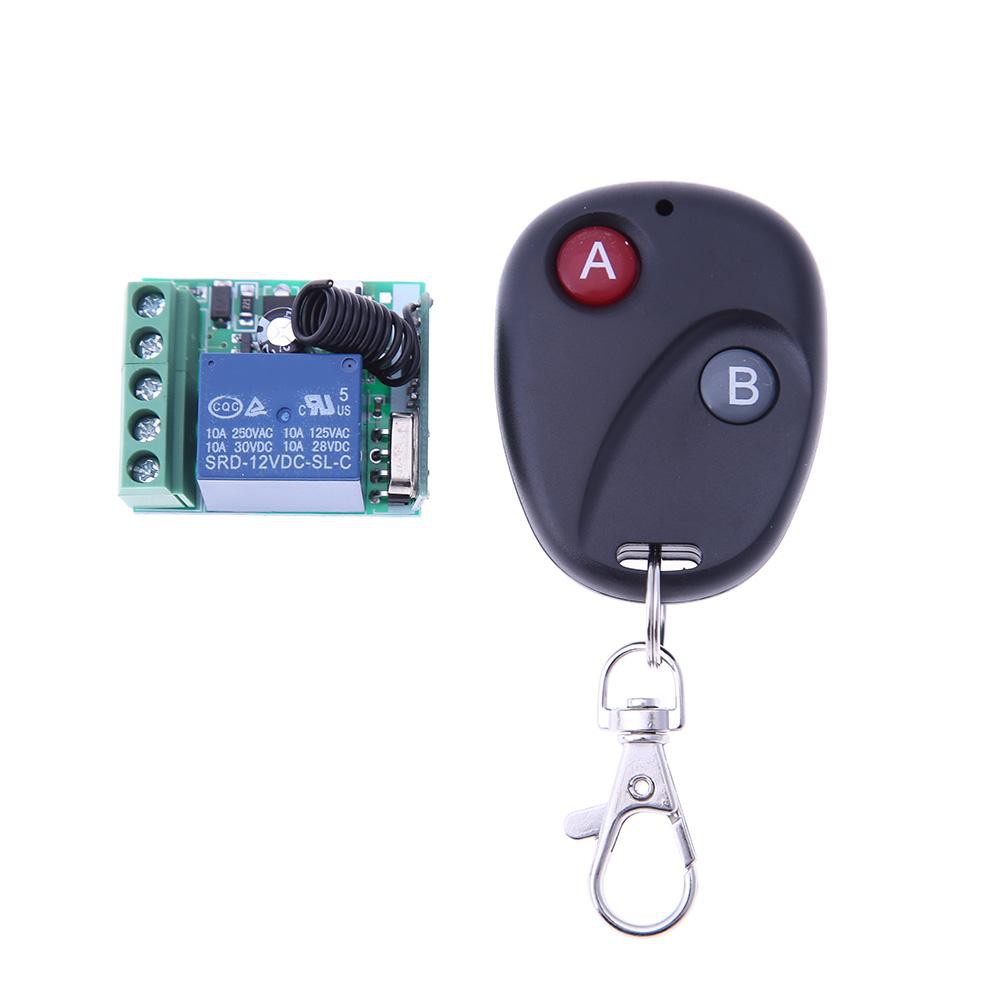 433 mhz